

Sumondo an app to monitor and relieve stress.
Improving user activation rate by integrating the app with users’ existing exercise routines.
Project Type: End-to-end app.
Role: Sole UX/UI designer, with support from Sumondo’s founder Vishal Sisodia.
Industry: Health
Tools: Figma, FigJam
Duration: 6 months
Introduction
The users
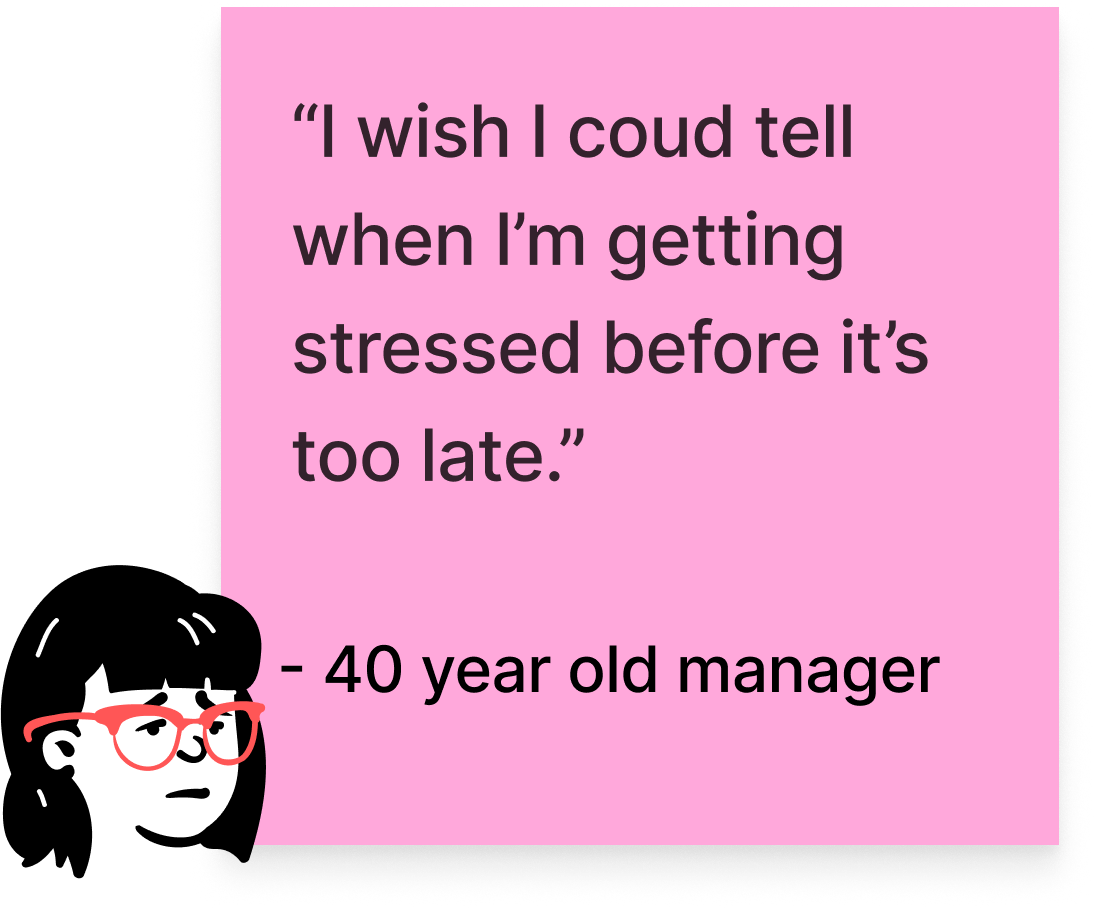
Adults between 35-65 years old who are concerned that their deteriorating physical and mental health will impact their ability to live a more full life.
The product
Sumondo is a stress monitoring app for adults seeking to raise awareness and suggesting relieving methods by encouraging users to incorporate meditation and breathing exercises into their daily routine.
Not all stress has negative effect. Studies have shown that short term stress boosted the immune system, but chronic stress has a significant effect on the immune system that ultimately manifest an illness.
The business goal
Sumondo wanted to improve activation rates, but the real challenge wasn’t usability, it was relevance. Users didn’t see the app as part of their daily behavior, so it was quickly abandoned.
The risk was building more features without improving adoption.
Framing the problem
Making the most of users’ existing routines
User research found that most users had a habit of exercising or meditating to alleviate the symptoms of high stress levels. While exercising and meditating on their own is not enough for improving mental health, we wanted to encourage users to keep this existing routine. How might we integrate exercise/meditation with the Sumondo app?
The proposed solution
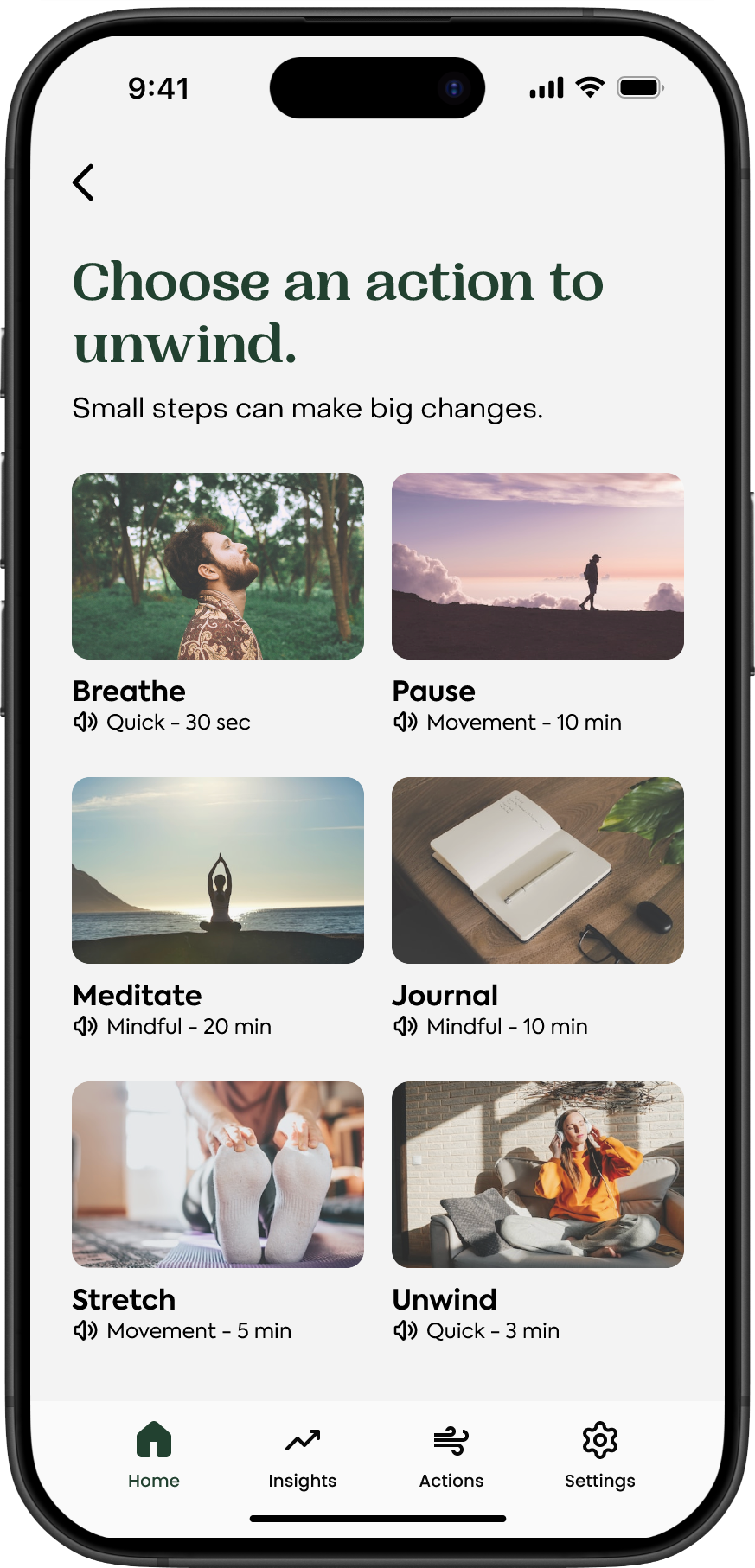
Notify users about reaching sustained levels of stress by suggesting activities such as breathing exercises, meditation breaks, walk trips, hydration breaks, and others. By creating a way for users to incorporate their existing routines in the app, we hope to make the app a regular part of their daily routine.
Breathing exercises system
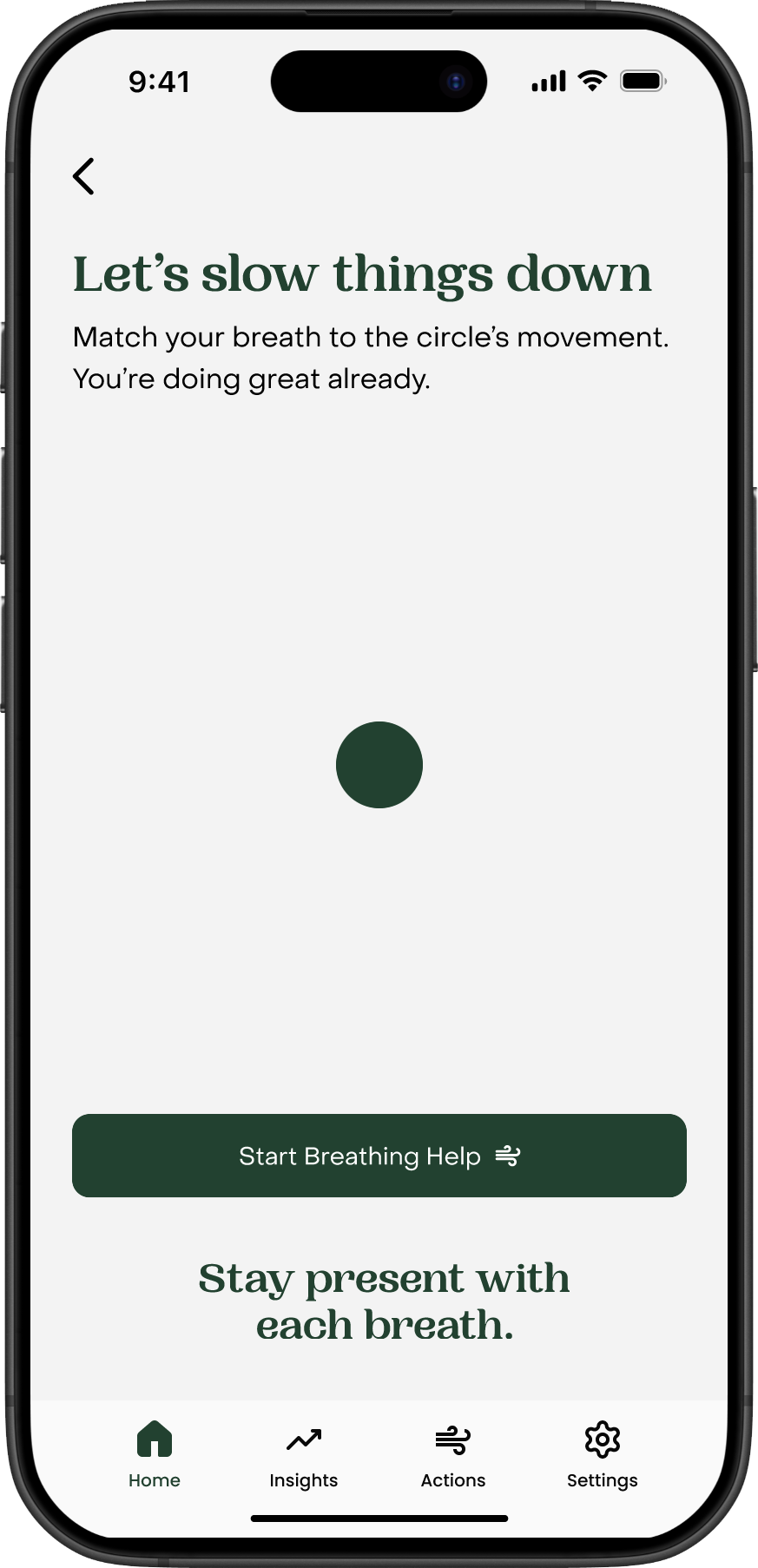
3-minutes long breathing exercises were added to the app. Users can follow the Inhale and Exhale rhythm watching the animation on the screen.
Tracking activities and Quick Actions
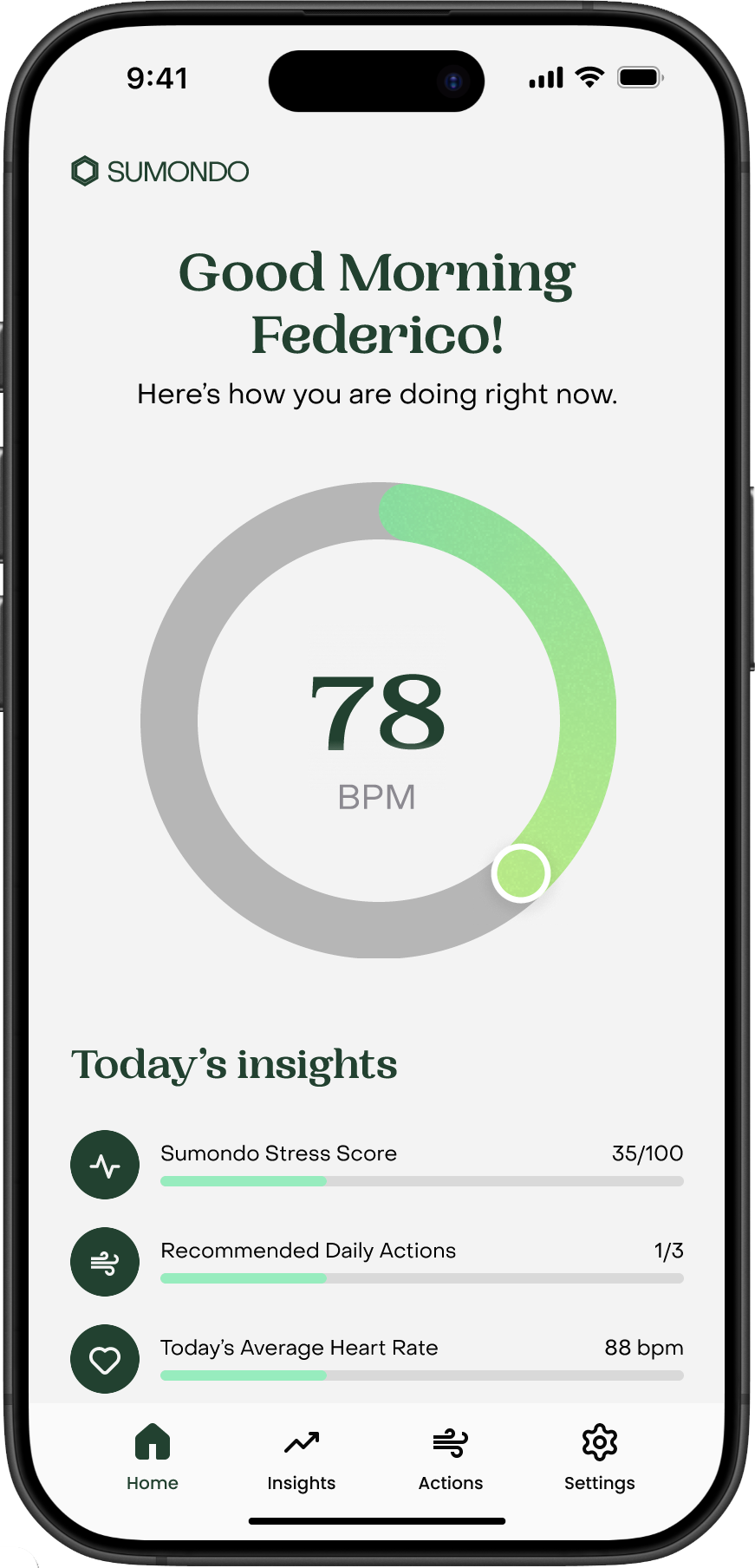
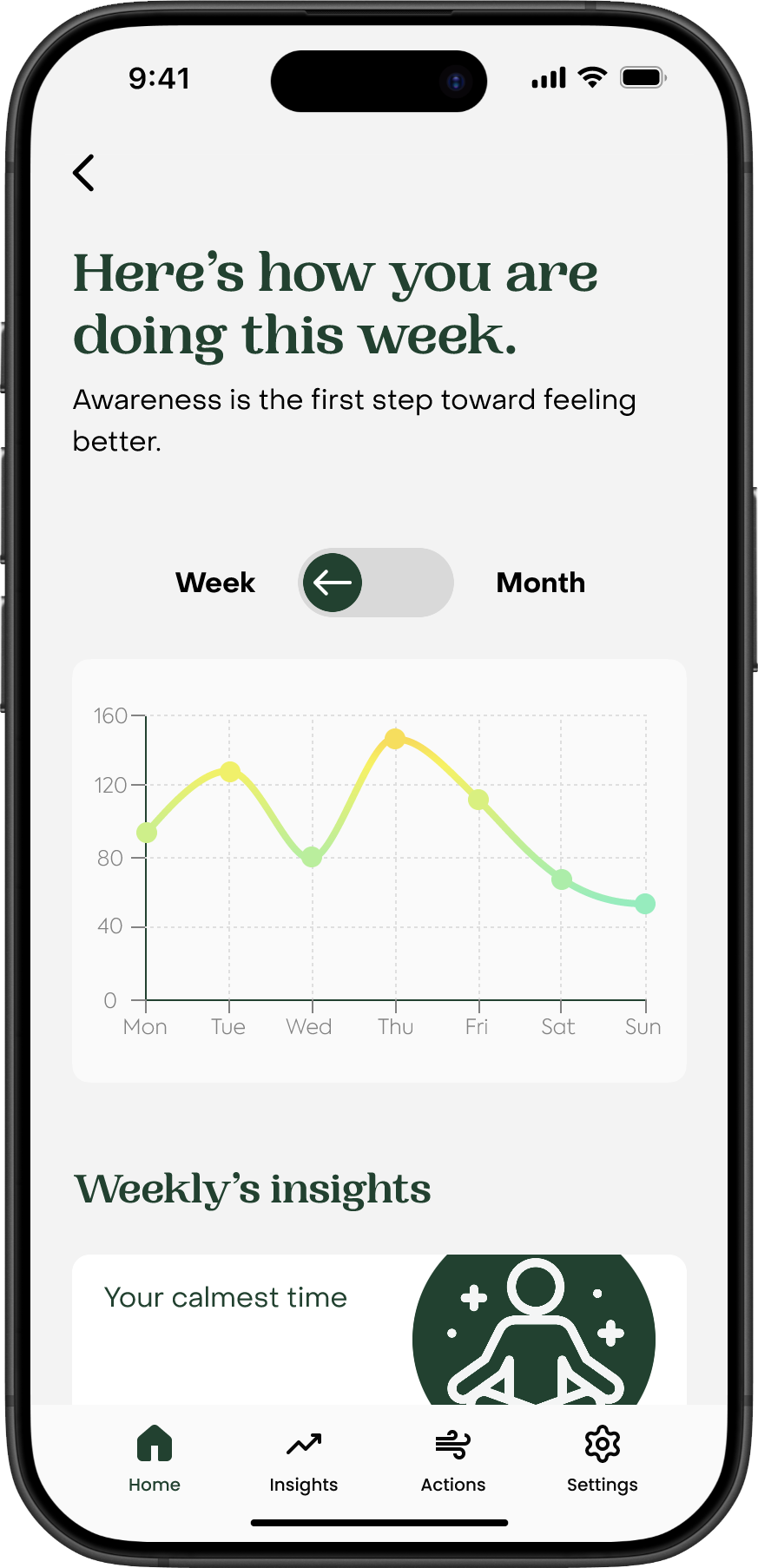
I included cards showing actions performed thanks to the app’s suggestions along with Calm streak days achievements within the “insights” view.
I’ve added Quick actions to perform on the Home app view to easily register the most common activities.


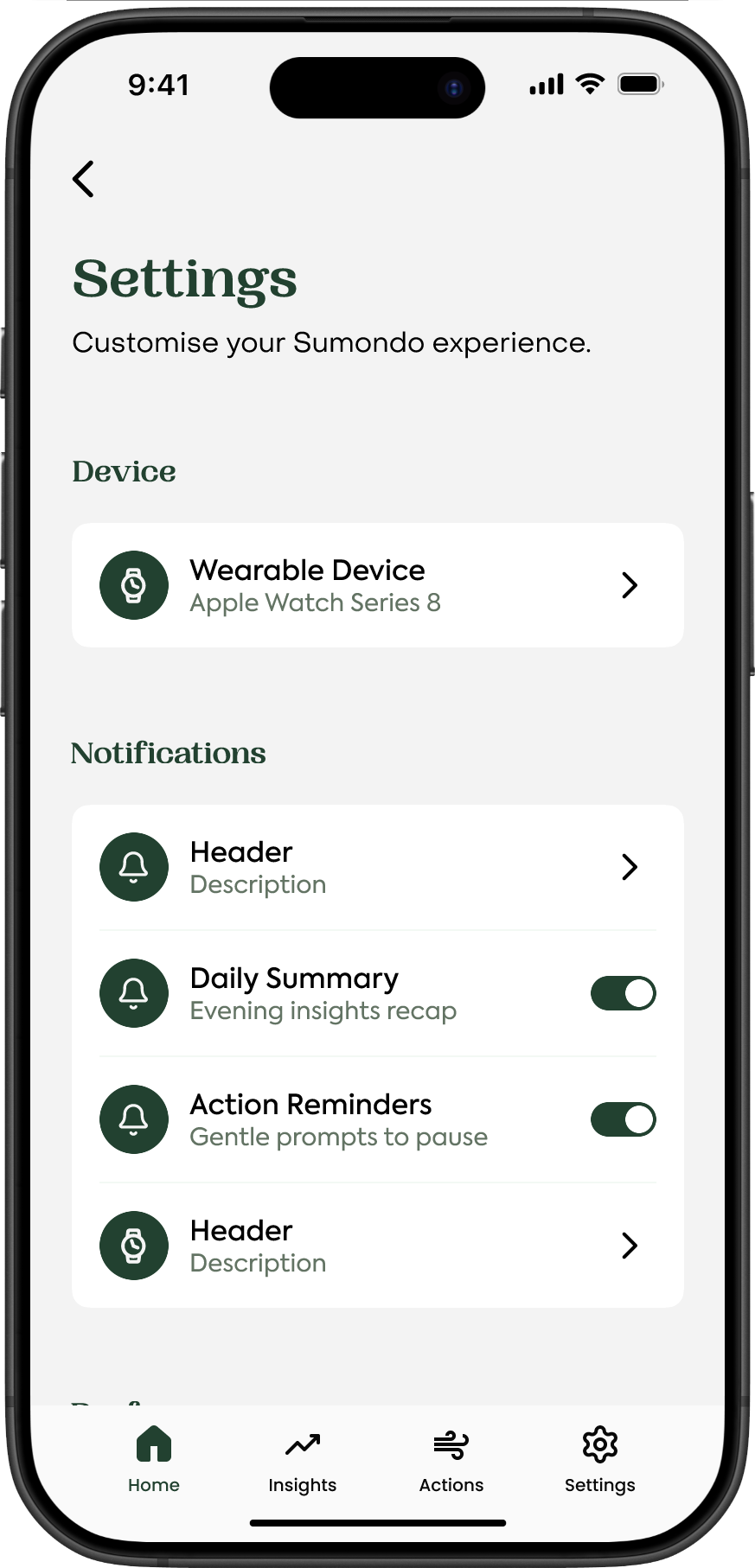
Mobile phones showing screens from the mid-fi prototype: Home, Insights, List of Actions, and Settings.
An unexpected issue


What didn’t work?
Users wanted shorter breathing exercises.
The fixed 3 minutes long breathing exercise was too long for the majority of the users trying the activity.
Users found the “do not disturb” mode difficult to reach.
The button labeled “Do Not Disturb” in the settings panel was too hard to find for most users.
What did work?
Users completed the task “reach and start a breathing exercise” with ease.
Users were delighted by the “follow” animation shown on the Breathing Exercise.
The users were enthusiast about the visualisation of the stress trends and related statistics.
Helping users FIND the Do Not Disturb feature
Priority revisions
Since users didn’t have issues with performing Actions, I focused the solution ideas on making the Do Not Disturb button easier to find and facilitating the breathing activity.

Idea 1: Replace the Pause button with a Do Not Disturb button.
Pro
Adding the button at the bottom of the app’s Home view makes it accessible and fast to reach. The button would prompt a screen to select the length of the Do not Disturb mode.
Con
Users would still need to access the app to stop the notifications.

Idea 2: Remove the duration of the Breathing exercise
Pro
Users can start the exercise immediately and free of any choice paralysis. To stop it, users can just tap on the Back button or any other button in the bottom navigation bar.
Con
There is no end of task flow. Users have to manually exit the loop when they feel better.
The final solution
Plan: Improve user activation rates by finding opportunities to integrate the Sumondo app with users’ daily routines.
Research: Users had an existing daily stress relieving routines outside of the app.
Solution: Notify users when their stress levels reach specific thresholds and allow them to perform a stress relieving exercise.
Where do we go from here?
Let’s see if the changes worked!
First, I would recommend conducting usability testing again with new participants. Have the changes made it easier for users to find the input exercise form?
If usability testing is not an option, I would recommend tracking the following metrics:
What percentage of users are performing on-app Actions? Are those users more engaged with our app overall?
How has the new feature impacted the user activation rate?
Other possible improvements
If the Breathing exercise is a hit
Are there ways to gamify the experience? Such as collecting points towards weekly challenges and other data which might encourage more the app usage on users’ phones.
Could we implement the existing reminders to help remind users to input their exercise information?
If the Breathing exercise form does not significantly impact the user activation rate, we may have to consider other solution option, such as improving the onboarding process.
What I learnt
Explaining design decisions through the lens of business goals.
I find it most natural to justify my design choices based on user insights, but I’m also learning to emphasise how those choices align with and support the company’s goals.
